Productivity & Utilities · iPhone · Free
Custom Keyboard Themes
Personal iPhone keyboard with themes, stylish fonts, kaomoji and special symbols.
What Keyboard Themes does
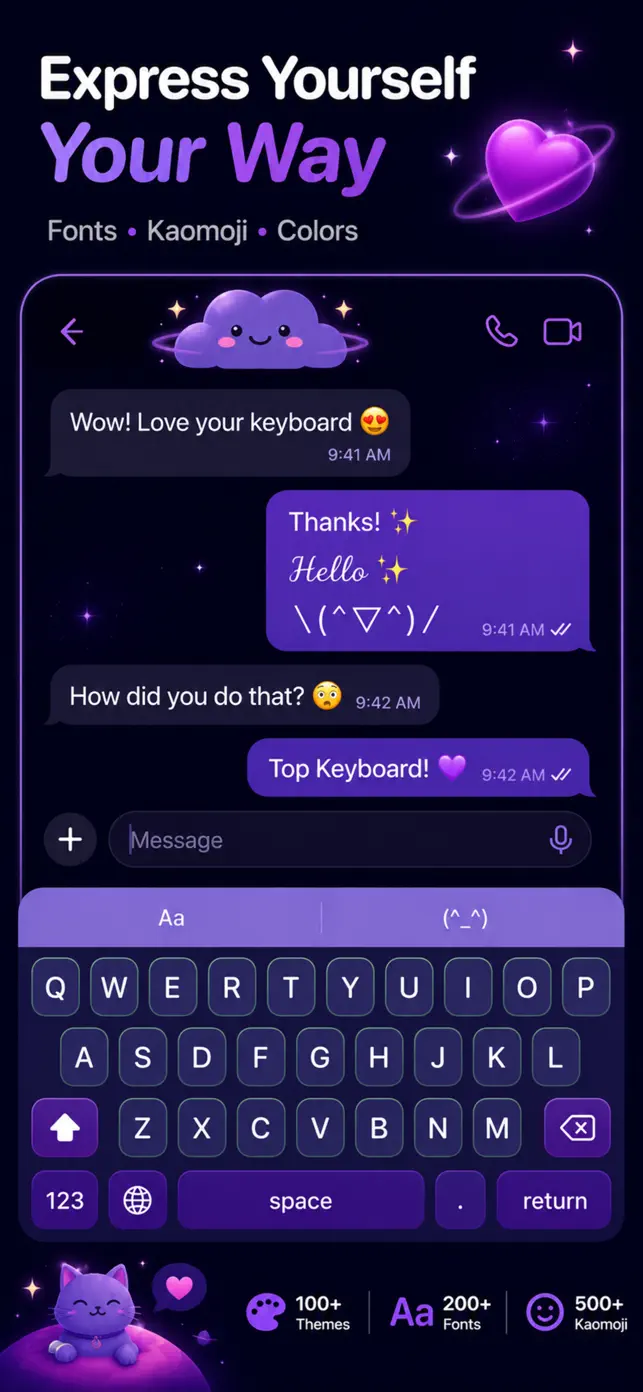
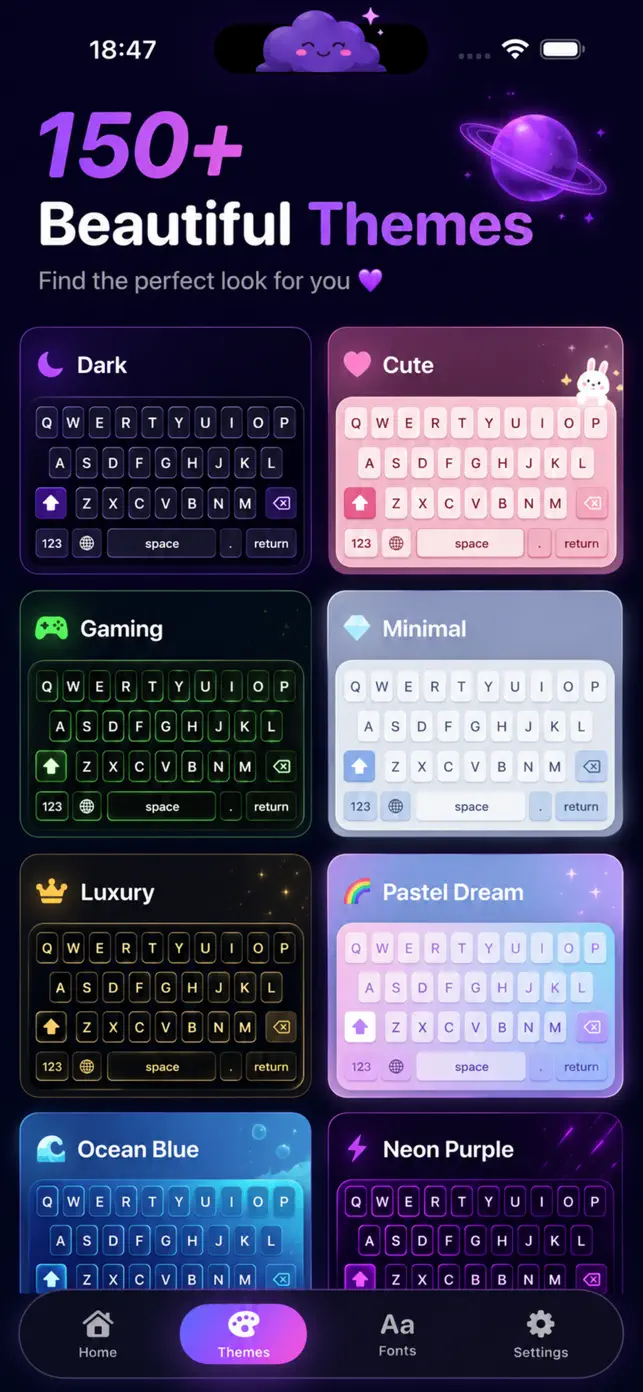
Custom Keyboard Themes replaces the plain iOS keyboard with one that looks like you. Pick a ready-made theme, tune the colours, or drop in your own photo as the background. The keyboard runs system-wide, so the look follows you into every messaging and social app.
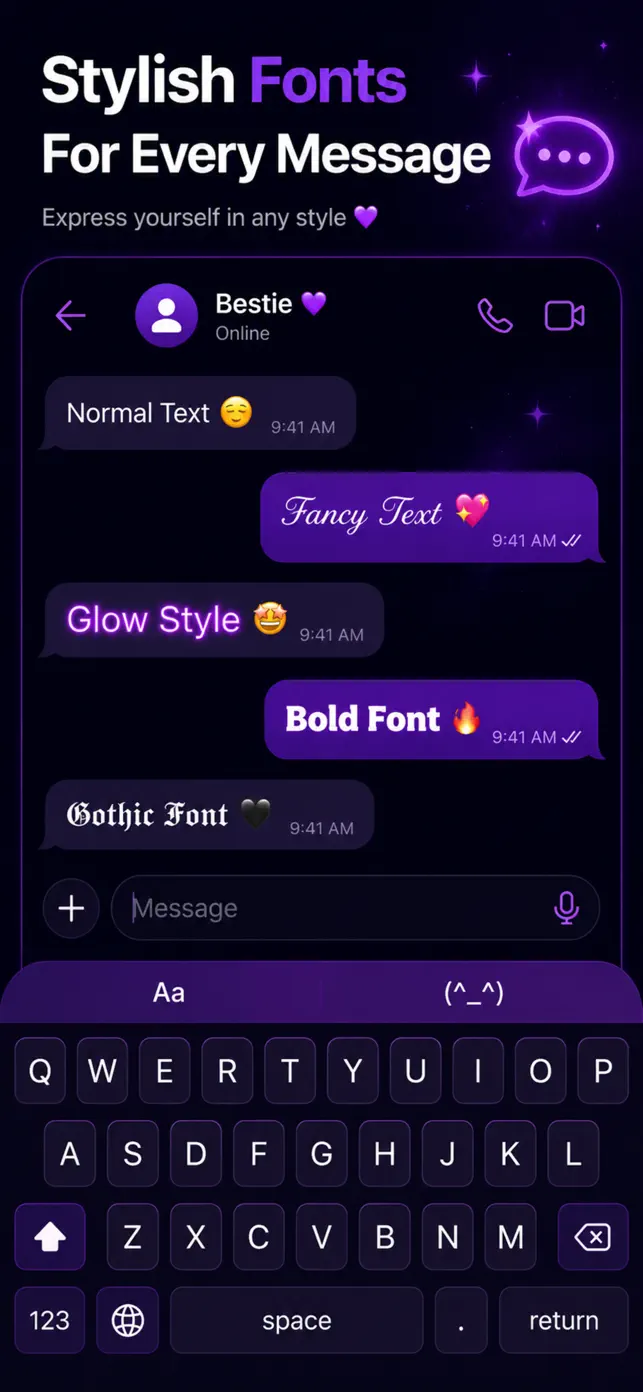
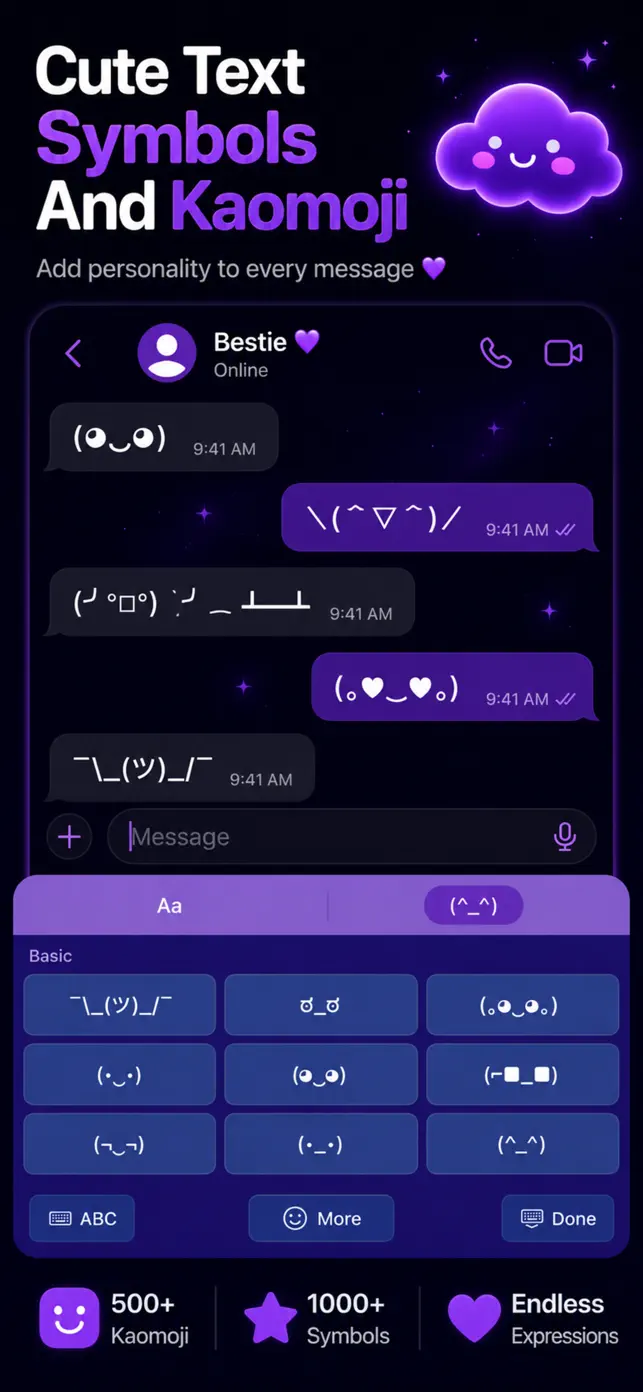
Beyond appearance, the keyboard adds expressive tools: decorative fonts that render as Unicode text (so they work in bios, captions and comments), hundreds of kaomoji text faces, and a library of special symbols and characters that are normally hard to reach.
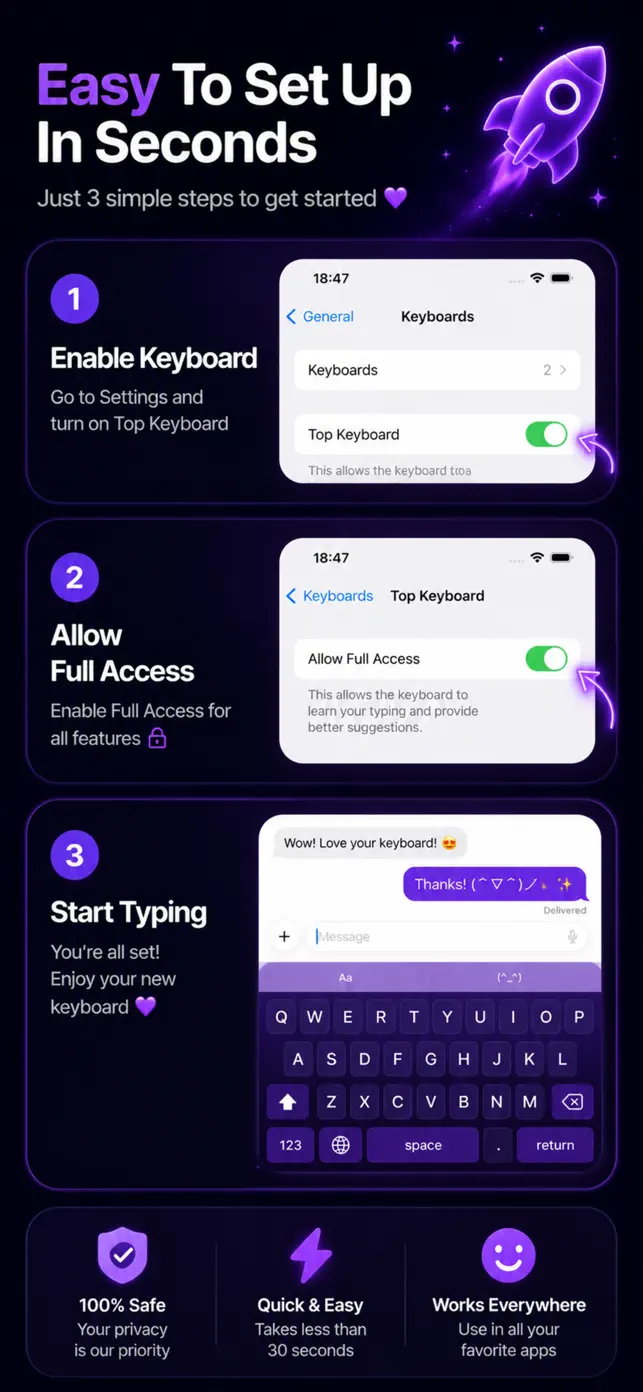
Setup is a few taps: enable the keyboard in Settings, choose a theme and start typing. New themes and content are added regularly.
Key features
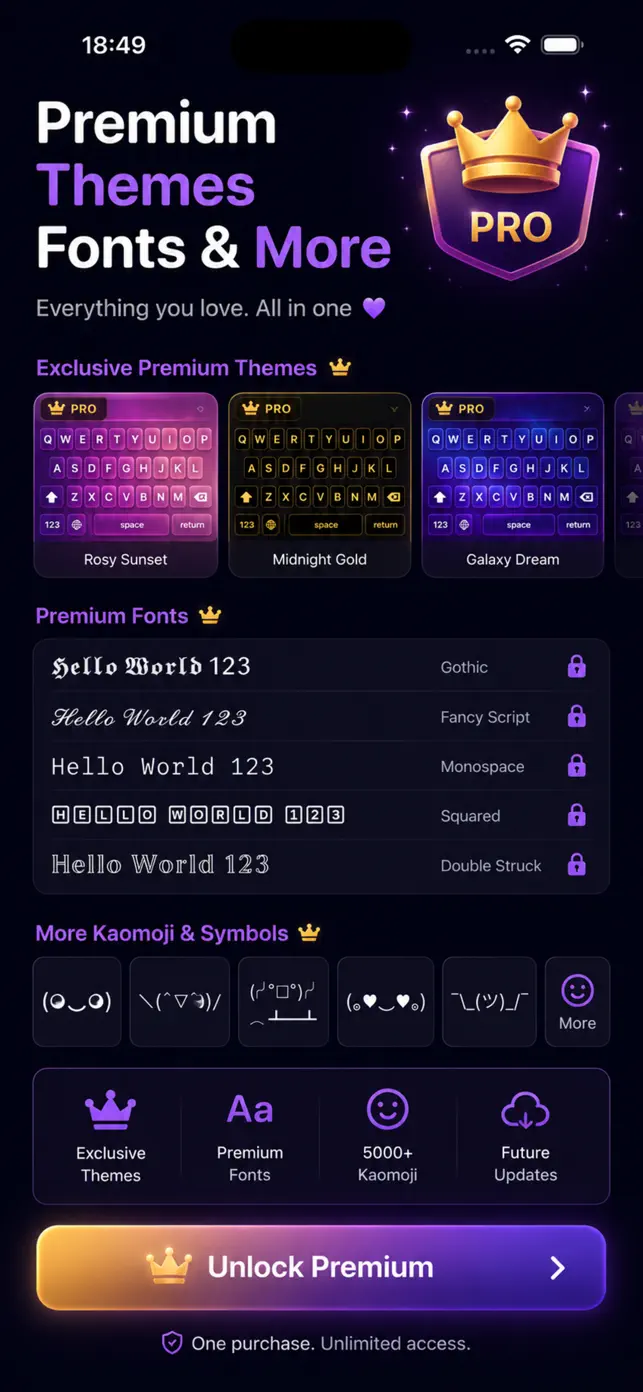
Keyboard themes
A growing collection of cute, aesthetic, dark and minimal keyboard themes.
Photo backgrounds
Use a photo from your library as the keyboard background.
Colour customization
Adjust key and background colours to build your own look.
Stylish fonts
Type in decorative Unicode fonts that show up anywhere text is accepted.
Kaomoji & text faces
Hundreds of kaomoji and text faces one tap away.
Special symbols
Arrows, stars, hearts, math and other special characters directly on the keyboard.
Fast setup
Enable the keyboard, pick a theme and start typing in seconds.
Regular content updates
New themes, fonts and symbol sets are added over time.
Best for
- Making Instagram bios and captions stand out with stylish fonts.
- Personalizing the keyboard to match a phone theme or wallpaper.
- Adding kaomoji and symbols to chats and comments.
- Giving the keyboard a cute or dark aesthetic look.
Who it is for
- Social media users
- Anyone who wants a personalized iPhone
- Fans of kaomoji and aesthetic themes
How it works
- Install Custom Keyboard Themes and open the app.
- Enable the keyboard in Settings > General > Keyboard > Keyboards.
- Choose a theme, set colours or a photo background.
- Switch to the keyboard in any app with the globe key.
Price
Free download; some themes and content may be offered as in-app purchases.
Frequently asked questions
Does the keyboard work in all apps?
Yes. Once enabled in iOS Settings it is available as a system keyboard in any app that accepts text.
Will stylish fonts show up in Instagram or TikTok?
Yes. The fonts are Unicode characters, so they display in bios, captions, comments and messages.
Can I use my own photo as the background?
Yes, photo backgrounds are supported alongside colour customization.
Does the keyboard need Full Access?
Basic typing works without it; some features may ask for Full Access as required by iOS for custom keyboards. See the Privacy Policy for details.
Is it free?
The app is free to download.
What's new in version 1.22
Released August 15, 2026
- Fresh new glass-inspired design
- Bug fixes and performance improvements
Get Keyboard Themes on your iPhone
Free download from the App Store. iOS 16.0 or later.