Lifestyle & Wellbeing · iPhone · Free · Premium
Wallpapers: Match Your Mood
High-resolution iPhone wallpapers with realistic Lock Screen and Home Screen previews.
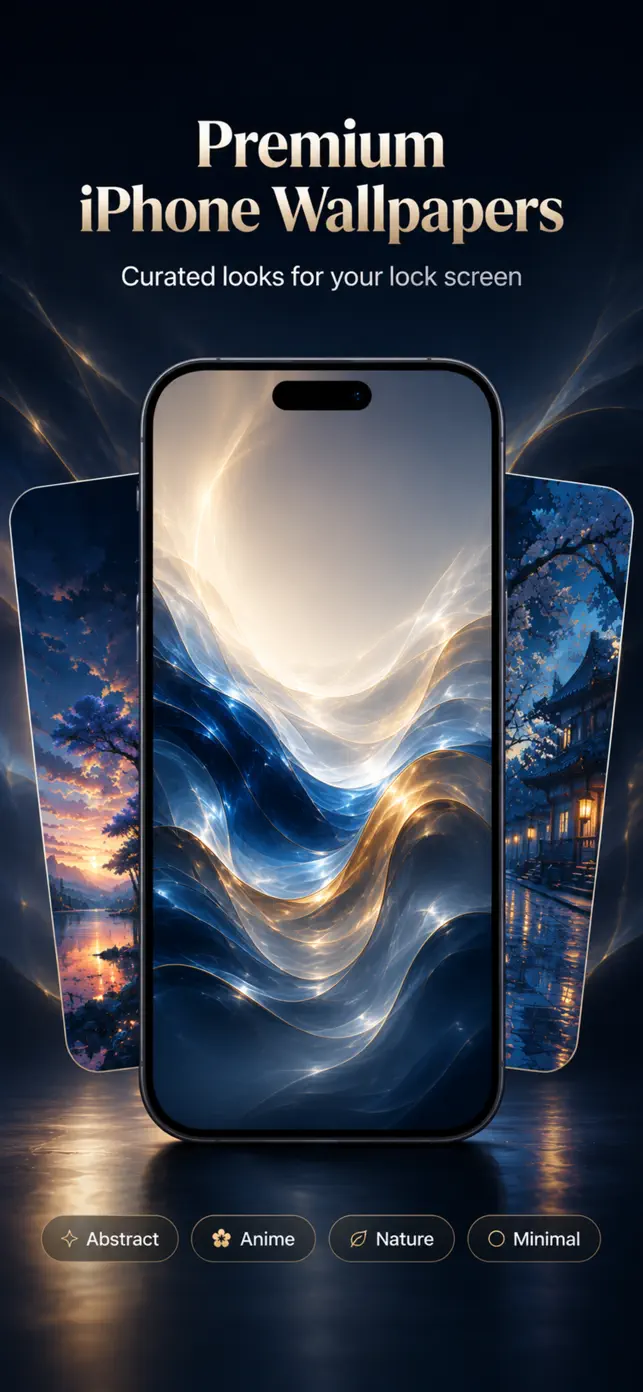
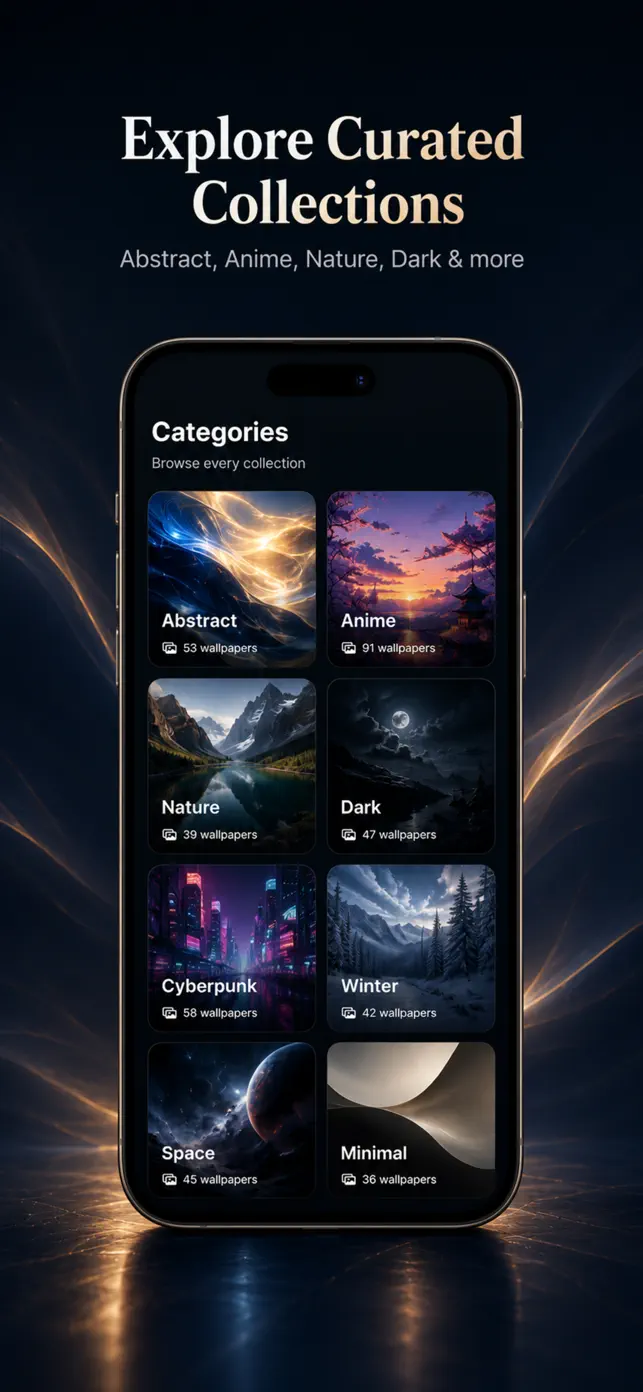
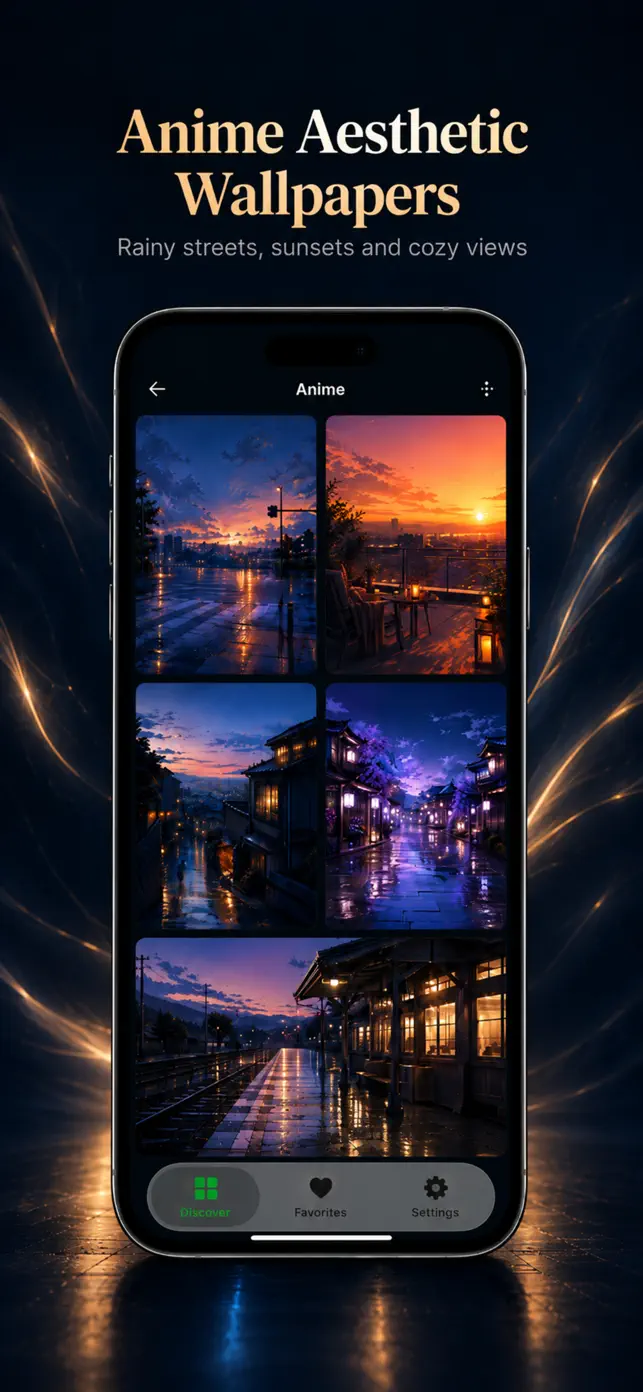
What Wallpapers does
Wallpapers: Match Your Mood is a curated gallery of high-resolution backgrounds for iPhone. Collections range from abstract, minimal and dark to nature, space, cars, urban scenes, winter and anime-style art, plus a growing set of AI-generated artwork.
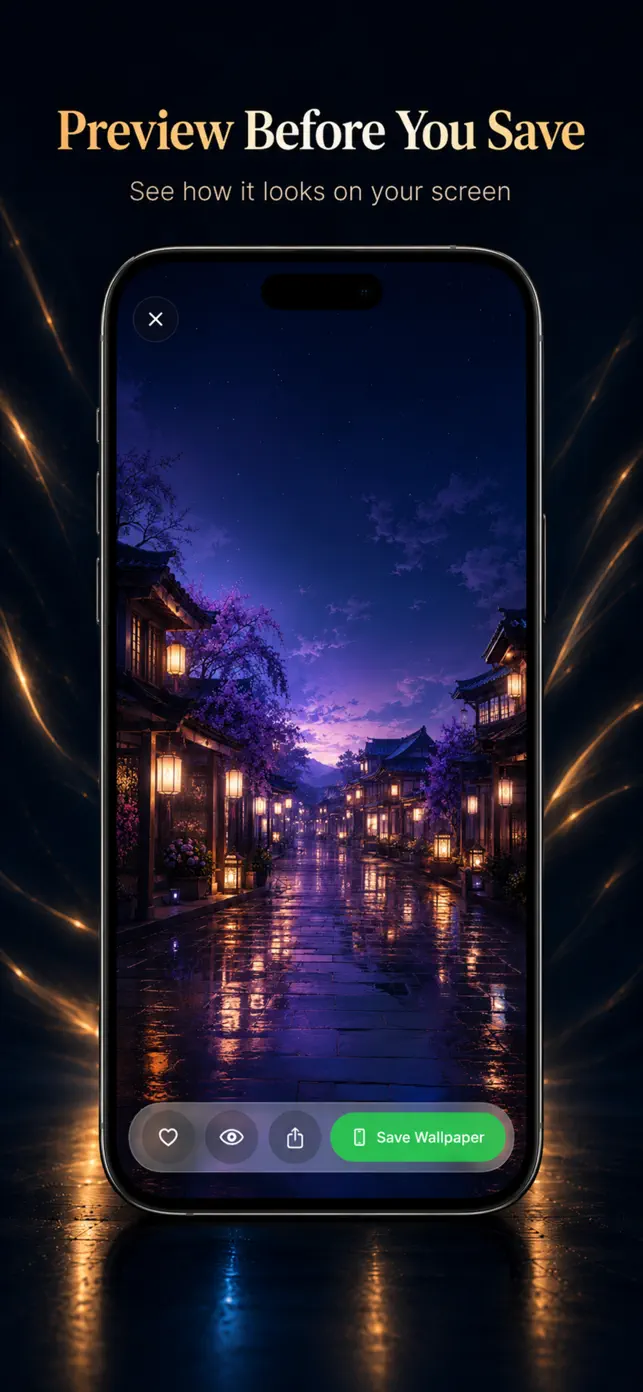
What sets it apart is the preview: every wallpaper can be viewed with a realistic Lock Screen and Home Screen overlay, so you see how the clock, widgets and icons will sit on the image before you commit.
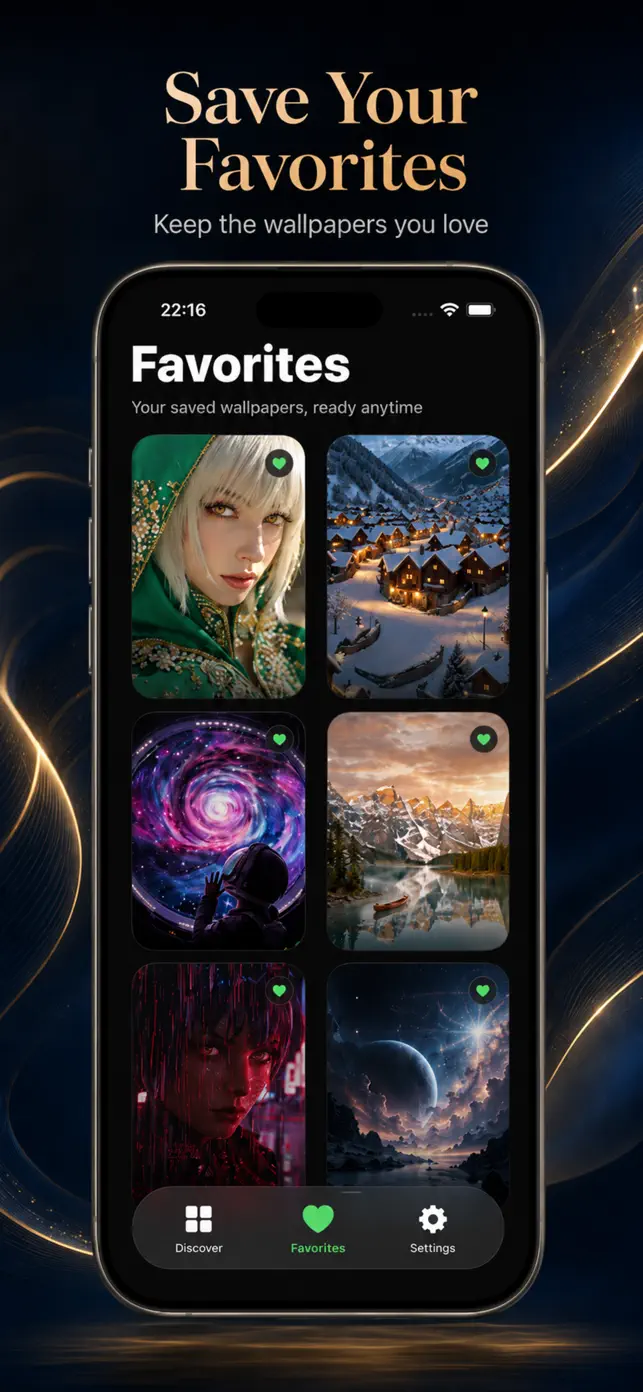
Save favorites to come back to later, download to Photos with one tap and set the wallpaper through iOS settings. Premium prioritizes the original file whenever a higher-resolution version is available.
Key features
Curated collections
Abstract, nature, space, cars, anime-style, minimal, dark, winter, urban and more.
Lock Screen & Home Screen preview
See the wallpaper under a realistic iOS overlay before saving.
Favorites
Save the looks you like and return to them later.
Download & share
Save to Photos or share from a single clean viewer.
AI-generated art
Explore AI artwork alongside photographic collections.
Premium originals
Premium prioritizes the original full-resolution file when available.
Six languages
English, German, Russian, Spanish, Turkish and Ukrainian.
Best for
- Finding a new Lock Screen wallpaper that fits today's mood.
- Matching a dark or minimal wallpaper to a custom Home Screen setup.
- Browsing seasonal collections such as winter or Christmas.
- Discovering AI-generated artwork for your phone.
Who it is for
- Anyone who changes wallpapers often
- Fans of aesthetic Home Screen setups
- Anime, space and nature art lovers
How it works
- Open a collection and tap a wallpaper you like.
- Switch between Lock Screen and Home Screen preview.
- Save to Photos or add to favorites.
- Set it as your wallpaper in iOS Settings.
Price
Free download. Premium prioritizes the original full-resolution file whenever one is available.
Frequently asked questions
How do I set a wallpaper from the app?
Save the image to Photos and set it as wallpaper via iOS Settings > Wallpaper. The app saves images so you keep full control over the iOS setup.
Are the wallpapers high resolution?
Yes. Collections are high-resolution, and Premium prioritizes the original file whenever one is available.
Can I preview before saving?
Yes. Each wallpaper can be previewed with realistic Lock Screen and Home Screen overlays.
Are all collections available in every country?
Availability of specific collections can vary by region, server content and app version.
Is the app free?
Yes, with an optional Premium upgrade.
What's new in version 3.43
Released July 11, 2026
- We fixed bugs and improved app stability and performance.
Get Wallpapers on your iPhone
Free download from the App Store. iOS 16.0 or later.